Pages
General information
Overview
The Page component allows people to get information about a space. It’s similar to the general Pages admin section, with the main difference is that this component allows to define pages in a space, and the general Pages admin section allows to define pages for all the platform (for instance, help pages, terms of services, or FAQs), that aren’t associated to a space.
From this starting point, there could be other configurations, such as:
Examples
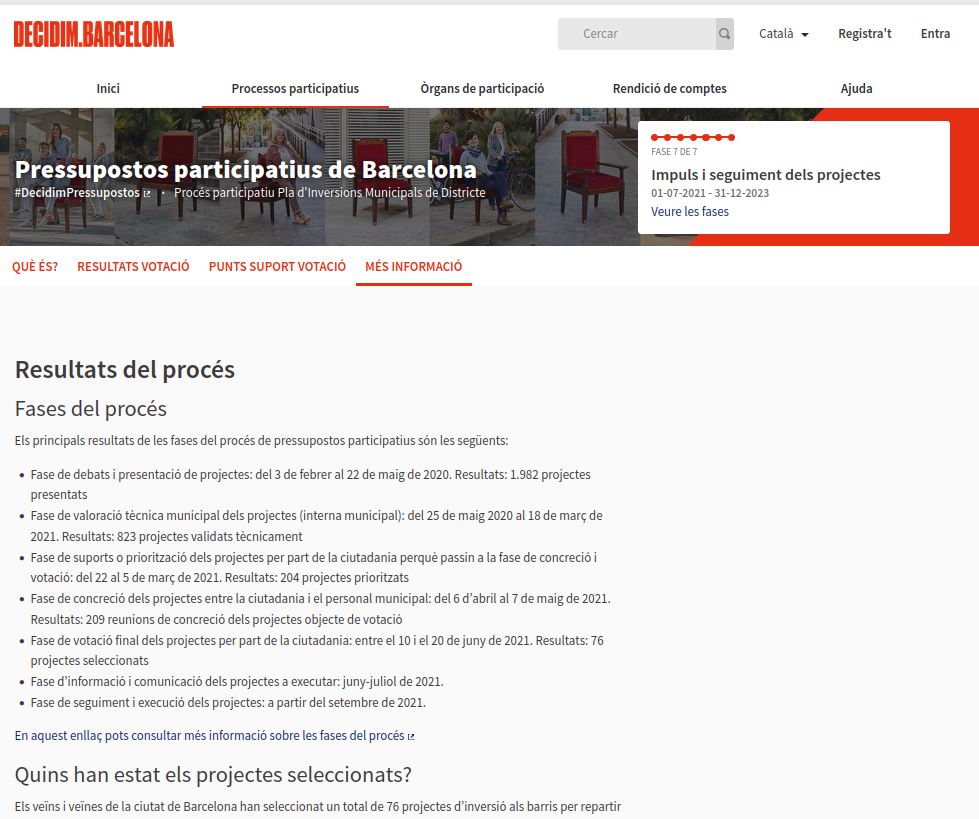
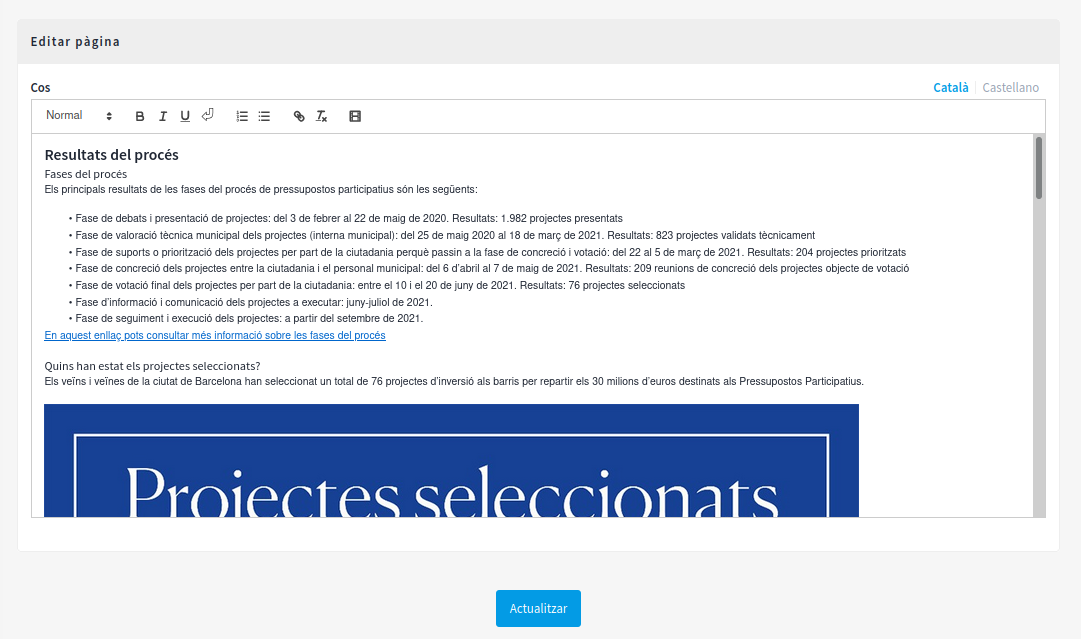
Some examples of where this component was used:
Options
To configure the Page component:
- Sign in as admin
- Go to admin panel
- In the main sidebar, click in the button for the space that you want to configure the component for. For instance, it could be "Processes", "Assemblies", or "Conferences"
- Go to components
- Click on "Add component" button
- Click on "Page"
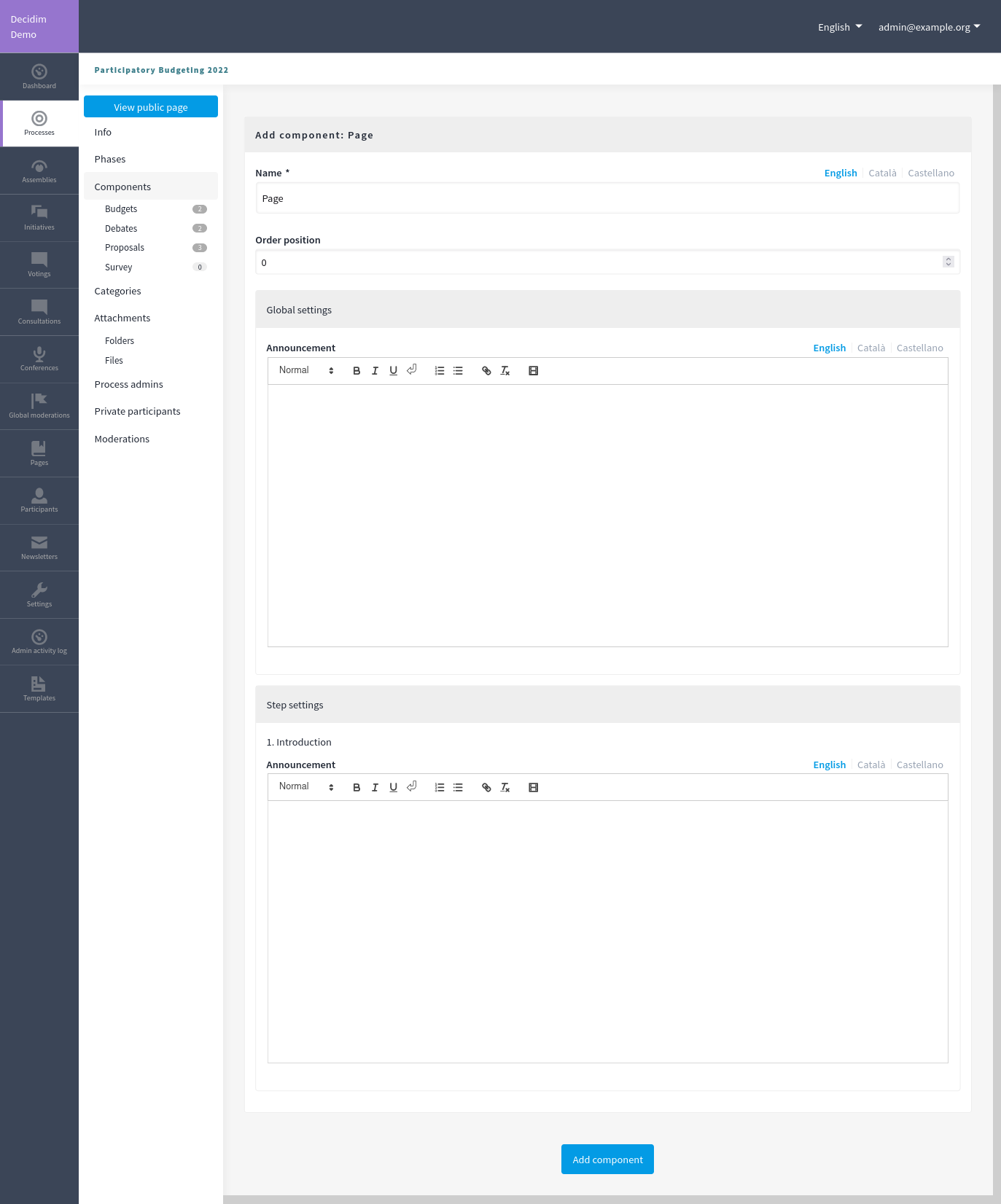
- Fill the Add component form
Add the component
| Field | Type | Description |
|---|---|---|
| Name | Required | What is the title of this component. For instance, "More information". |
| Order position | Optional | Which order will it have in relation to the other pages. Having a lower number means a higher priority. For instance, if you have two pages, "Page a" with weight "10" and "Page b" with weight "0", then "Page b" will be first when ordering. |
| Announcement | Optional | A general announcement that’ll be visible on the general pages landing page. |
In the cases where the space that this component will be used has Phases, for instance, in Participatory Processes, then you can also define different behaviors per Step.
| Field | Type | Description |
|---|---|---|
| Announcement | Optional | A general announcement that’ll be visible on the general page landing page. |
Permissions
Permissions aren’t available for the page component.
Manage pages
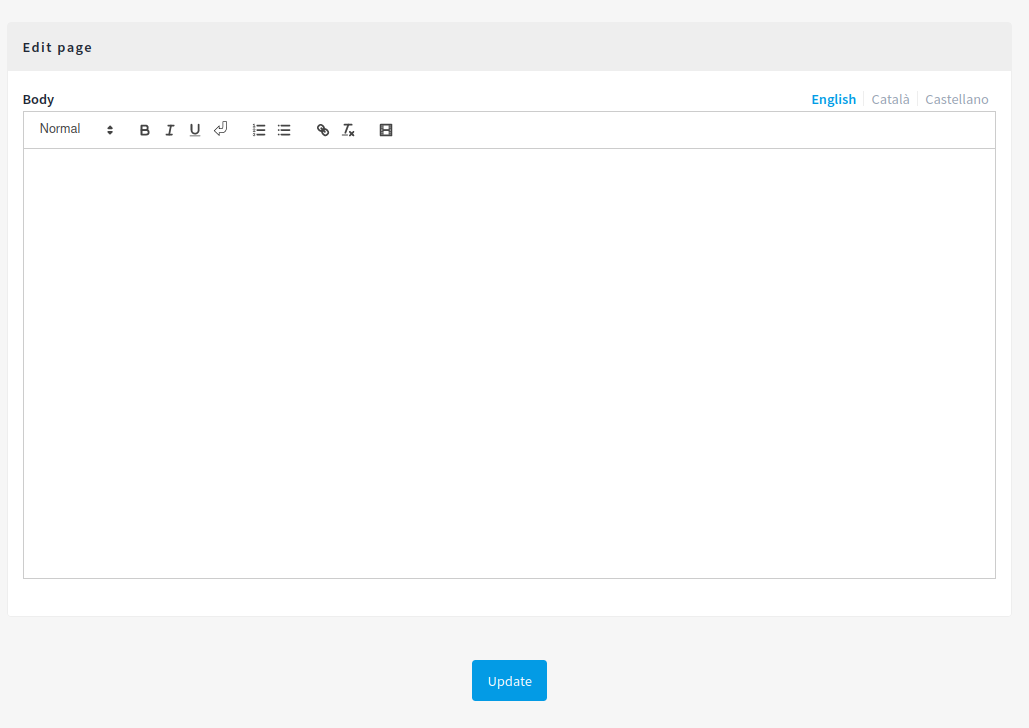
New page form
| Field | Type | Description |
|---|---|---|
| Body | Required | What is the body for the page. |
Based on Decidim Docs under Creative Commons BY SA 4.0