Notifications
General information
Overview
Most of the actions in the platform generate notifications so particpants can know when there are new things to watch.
This is accessible from the Notifications menu item (🔔) in the header, after a participant has logged in.
To see the notifications:
- Sign in as participant
- Click in the notifications icon in the header
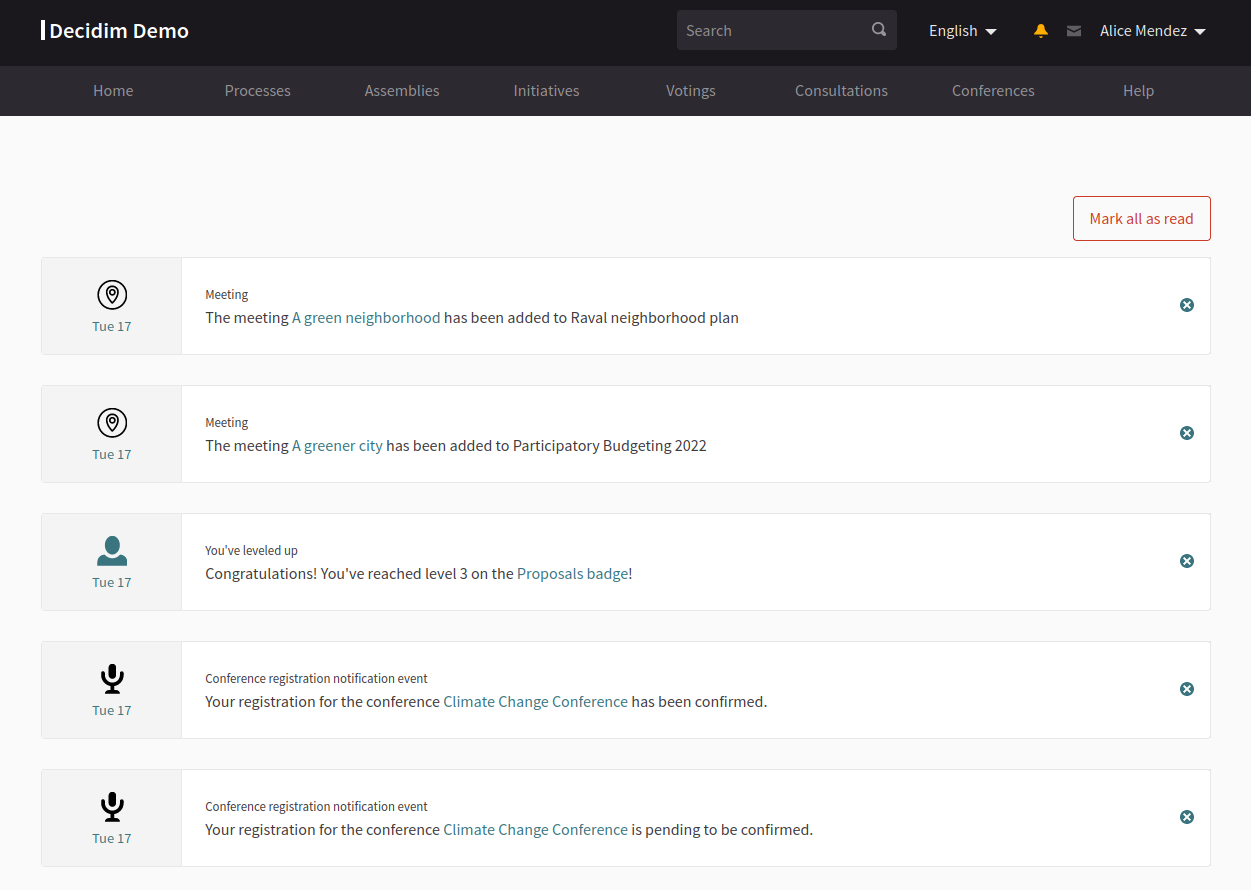
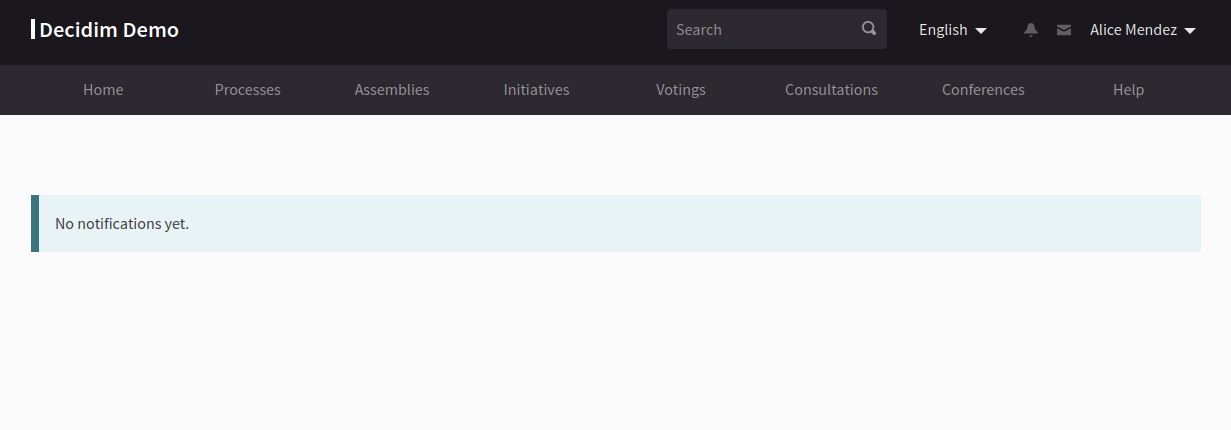
If there are notifications, then the participant will see the icon with a color yellow
Based on Decidim Docs under Creative Commons BY SA 4.0